AI as a Tool, Not a Replacement
In this episode, I want to talk about AI and how it helps us develop new features for PAGEGRID. I’m also sharing the latest improvements, like a more performant layer panel and the updated slider block.
AI for PAGEGRID development
Like many of you, I follow AI developments with a mixture of excitement and skepticism. Specialized AI agents and recent updates in the ProcessWire ecosystem are opening up incredible possibilities for programming. However, the way AI is being developed by large corporations brings significant ethical concerns.
The environmental impact (massive energy and water consumption) is hard to justify for mere efficiency gains. Furthermore, the lack of consent and the disregard for copyrights in training data remains a major ethical issue. Using these tools often leaves me with a sense of unease.
That’s why it is important to me to use AI mindfully. There will be no integrated AI functions directly within PAGEGRID. This means your data remains secure, and there is no communication between an AI and your website. Your data will never be used for training purposes, and we strictly adhere to GDPR (DSGVO) standards.
Instead, we have created documentation that enables efficient work with PAGEGRID via external AI agents—but only if you explicitly integrate them into your own development environment. With these updates, an agent is reliably able to design PAGEGRID layouts, create new block templates, or perform content updates. These changes also help us internally when working on new features for PAGEGRID, allowing us to ship updates faster. Of course, every line of code is still carefully reviewed and tested by us before any update is released.
Not another AI slop generator
With PAGEGRID, we have built a tool to help as many people as possible realize their creative vision. We believe this is only truly possible through a graphical interface. Pure text prompts don’t offer the level of layout control that I expect as a designer. Furthermore, the results of "prompt-to-web" tools often feel interchangeable and lack the soul of a well-crafted site.
Instead of a "magic" button, we are currently working on a Figma exporter/importer for PAGEGRID that allows you to import your actual designs. With the help of AI, we’ve already built a very promising prototype. We’re excited to tell you more about this in the next episode; early tests have been quite successful.
Recent updates
More performant layer panel
We have improved the layer panel to ensure it loads faster and stays responsive, even on complex pages. We’ve also refined and standardized the UI for a smoother experience.
New options for the slider block
The slider block now includes more options, such as "slides per view." Additionally, you can now customize the gap between slides and the slide transition animation.
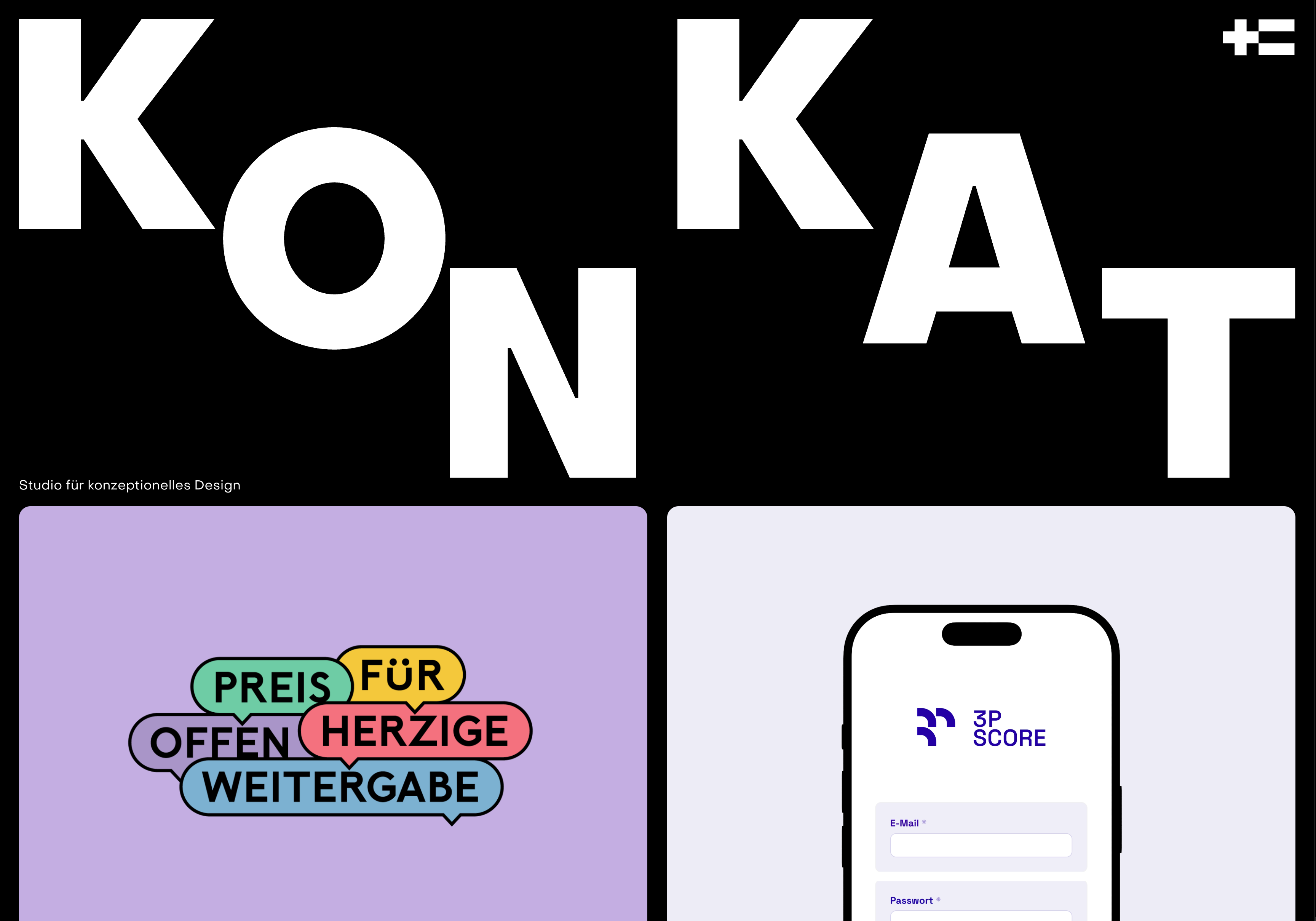
Site of the Month: konkat.studio
Since KONKAT is the studio behind PAGEGRID, we wanted to showcase how we use our own tools for our recent relaunch. The goal of the new website is to showcase our work and better communicate our services. The site is bilingual and, of course, was built entirely using ProcessWire and PAGEGRID.
It took us some iterations to get the design right, but once finalized, development was straightforward. Most of the time was spent preparing project content, which is where PAGEGRID shone—it allowed us to design the layout and content of each project individually without being locked into a rigid template. (And for the record: no AI was used for deveopment on this one)
Stay tuned for our next issue
That’s it for this update on the world of PAGEGRID. We’ll be back soon with more news, including a deep dive into the Figma Importer and more feature reveals. As always, our newsletter subscribers will get these updates delivered straight to their inbox.
Thanks for following along. Have a productive week, and don't forget to join the conversation over at the ProcessWire forums.
Until next time, happy building!